
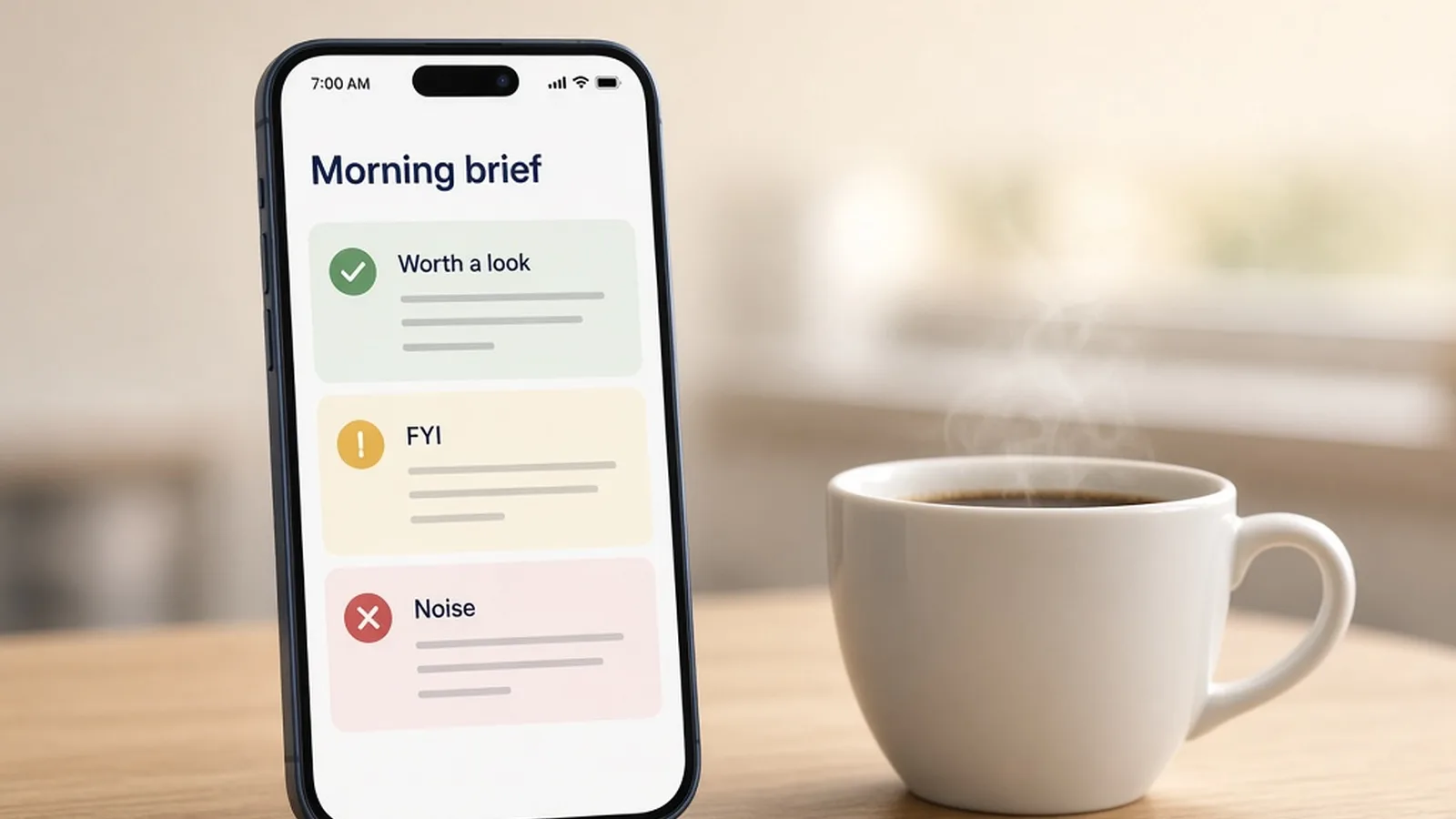
The short version: let an AI assistant do the first pass on your inbox each morning. It reads your email, checks your calendar and gives you a short brief in three groups: worth a look, FYI and noise. It can draft replies too, but nothing gets sent until you approve it.
For 22 years as a REALTOR®, my mornings started the same way. Inbox open, calendar open, trying to figure out what actually mattered before the first appointment. By the time I had it sorted, the first hour was gone, and I still worried I had missed something.
What the morning brief looks like
Now an AI assistant does that first pass for me. Every morning it reads my email, looks at my calendar and gives me a short brief:
- Worth a look. The messages that need me today.
- FYI. Things I should know about but don't need to act on.
- Noise. Newsletters, promotions and anything that can wait.
When I have a minute during the day, I type one word, "triage", and it sorts whatever has come in since.
It drafts. You approve.
The assistant can draft replies too. I read every one, fix anything that's off, and decide what goes out. Nothing gets sent without my approval. Your clients are dealing with you, not with software, so you stay the one who presses send.
One caution: your inbox is full of your clients' personal information. Before you connect any AI tool to it, read the tool's privacy terms and make sure you're comfortable with where that information goes.
One workflow, one job
This is the email triage workflow in REALClarity Pro. It's set up in the email and calendar you already use, so there's no new inbox to learn. It does one job, the same way every morning.
That's the approach I recommend for any AI in your business. Pick the task that aggravates you most, get it working, use it for a week, then move on to the next one. For a lot of agents, the inbox is the right place to start.
See it step by step
I walked through the whole workflow live at the Morning Desk session of The REALTOR® Desk. The replay is free: watch the Morning Desk replay on YouTube.
The REALTOR® Desk is a free 30-minute online session every Tuesday at noon Pacific (3 p.m. Eastern) for REALTOR®s anywhere in Canada. See this month's sessions.